Best Pet Camera (2026): Treat Toss vs Simple Monitoring
The best pet camera is the one that matches how you check in. Buy treat tossing and 360 coverage if you want to interrupt anxiety. Buy a simple color-night-vision cam if you only need a clear live view.
By Harper Lin
Pawsidepicks is reader-supported. As an Amazon Associate we earn from qualifying purchases. Learn more.
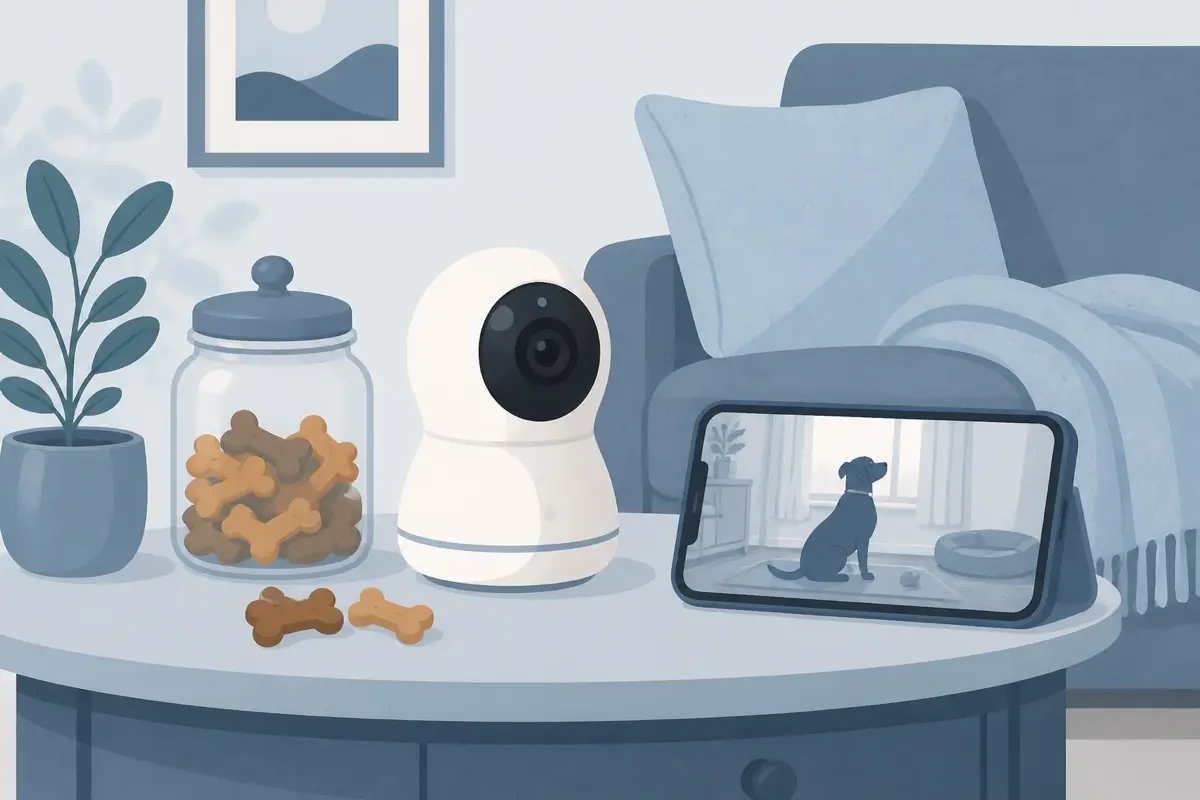
The short answer: Buy the Furbo 360° Dog Camera [No Monthly Fee] if you want 360° coverage and treat tossing for dogs that spiral when you leave. Buy the WYZE Cam v3 when you only need a clear live view, color night vision, and two-way talk for a fraction of the price.
Our picks
A pet camera only earns its shelf space if it answers a real question: is my dog okay, or is the cat shredding the couch again. This guide ranks the best pet camera options for US homes by interaction features, night vision, review quality, and whether you truly need treat tossing. Picks are research-based from live Amazon listings at or above 4.0 stars with real owner review volume, not a claim that we lab-tested every model overnight.
If you are also automating meals, see best automatic dog feeder or best automatic cat feeder. For crate rest in the same setup, see best dog crate.
What you actually need from a pet camera
Most buyers mix up three jobs.
Watching. Live video, night vision, and a phone app. Enough when you just want to check the room.
Talking. Two-way audio so you can settle a bark or call a cat down from the counter.
Interacting. Treat tossing, pan and tilt, and pet-specific alerts. This is the Furbo lane. It costs more and often pairs with an optional AI plan.
Buy for the job you will use three times a week. Fancy alerts you ignore are just another notification tax.
The specs that matter in a real apartment
Field of view. A fixed cam needs a smart corner. A 360° rotator covers a whole room from one outlet.
Night vision. Color night vision helps you read what the animal is doing, not just that something moved.
Audio quality. Echoey speakers make dogs bark more. Test volume on day one.
Storage. Cloud history is convenient. Local microSD is cheaper long term if you accept DIY clip management.
WiFi band. 2.4 GHz is still the rule for most pet cams. Confirm that before you blame the product.
Chew and tip risk. Mount high or use a stable base. A camera on the floor is a toy.
How we ranked these picks
We compared live US Amazon listings with ratings at or above 4.0, meaningful review counts, and buyable offers. We favored products that name the real tradeoff: treat-toss interaction versus cheap monitoring. We skipped listings with thin reviews, broken buy boxes, or star averages under 4.0.
Top pick: Furbo 360° Dog Camera [No Monthly Fee]
The Furbo 360° Dog Camera [No Monthly Fee] is the best pet camera when your goal is to interrupt stress, not only film it. It rotates for full-room coverage, tosses treats from the app, and supports barking alerts. Live view and treat toss work without paying for the AI plan. The paid plan unlocks richer alerts and history if you want them later.
Owner reviews cluster around picture quality, treat reliability, and the relief of checking in during long workdays. The honest tradeoffs are price and the push toward a subscription for the fancier alerts. It also wants stable 2.4 GHz WiFi. If your router only shows a merged network, split bands first.
Skip Furbo if you only need a hallway glance, you refuse any camera near food rewards, or your budget caps out near twenty dollars.
Best budget: WYZE Cam v3
The WYZE Cam v3 is the pick when monitoring matters more than interaction. You get 1080p video, color night vision, two-way audio, and a huge review base at a price that lets you buy two cameras for multi-room homes. It can sit indoors or outdoors with the right power adapter, and it supports local microSD recording so you are not forced into a pet-cam subscription.
It will not toss treats or spin on its own. You aim it once and live with that frame. That is fine for a crate corner, litter area, or sofa. Pair it with Alexa or Google Assistant if you already run those routines.
Choose Wyze over Furbo when budget and simple visibility matter more than remote treats.
Setup mistakes that waste a good camera
- No 2.4 GHz SSID. Setup fails, then people return a working camera.
- Pointing at a bright window. Midday glare hides the pet.
- Floor placement. Dogs investigate. Cats bat. Cords become toys.
- Alert spam. Leave every motion toggle on and you will mute the app by Friday.
- Treat jams. Soft or sticky treats clog tossers. Use the size range the brand lists.
Who should wait
Wait if your WiFi is unstable in the room where the pet stays. Wait if you need outdoor coverage and you have not budgeted for a weather-rated power path. Wait if a roommate or landlord bans indoor cameras.
In those cases, fix connectivity and house rules first. A camera cannot outrun a dead signal.
Bottom line
The best pet camera for interactive dog care is the Furbo 360° Dog Camera [No Monthly Fee]. The best cheap monitor for clear live view and night vision is the WYZE Cam v3. Decide whether you need treats and pan coverage, then match WiFi and placement before you open the box.
Frequently Asked Questions
What is the best pet camera for most homes?
For dogs that need interaction, the Furbo 360° Dog Camera [No Monthly Fee] is the strongest default. If you only need a clear live view and night vision, the WYZE Cam v3 is enough for most apartments.
Do pet cameras need a monthly subscription?
Live view and treat tossing on Furbo work without a paid plan. Cloud clips, smarter bark alerts, and longer history usually cost extra on any brand. Wyze can record to a microSD card without a pet-camera subscription.
Will a pet camera stop separation anxiety?
It can help you interrupt pacing or barking with voice and treats. It is not training by itself. Pair it with a real exit routine and, if needed, a trainer.
Do these cameras work for cats?
Yes for monitoring. Treat toss is less useful for many cats. A fixed or pan security cam is often enough for litter and furniture checks.
What WiFi do pet cameras need?
Most need a 2.4 GHz network. Dual-band routers that hide 2.4 GHz cause half the “setup failed” reviews. Create a dedicated 2.4 GHz SSID before you open the box.
Where should I place a pet camera?
Put it above chew height, covering the door, crate, or favorite couch. Avoid pointing it at a bright window that blows out the image at noon.