Best Pet Camera Without a Subscription (2026): Local Video That You Control
You can check on a pet without another monthly bill. Buy a camera that takes a microSD card, then test its notifications before you leave for the day.
By Harper Lin
Pawsidepicks is reader-supported. As an Amazon Associate we earn from qualifying purchases. Learn more.
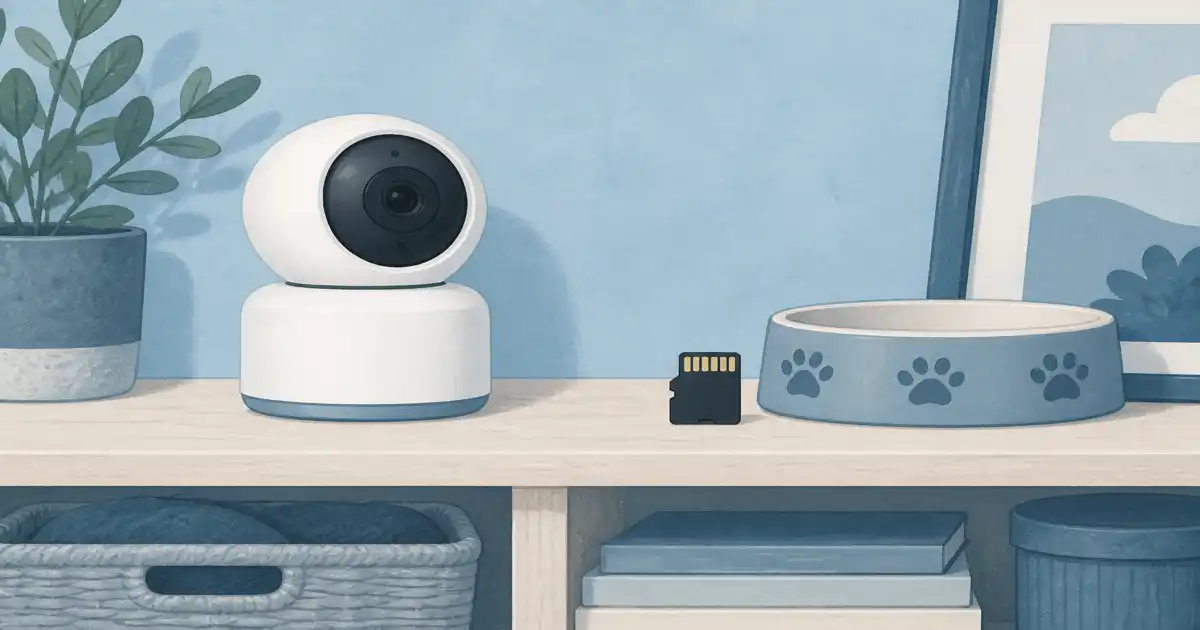
The short answer: The MUBVIEW 5G WiFi Indoor Security Camera is the best pet camera without a subscription in this guide because it supports local microSD recording, pan and tilt, and both common WiFi bands.
Our picks
This guide is reader-supported. As an Amazon Associate we earn from qualifying purchases. Learn more.
A no-subscription camera is not completely free. You still need WiFi, electricity, and a microSD card if you want recordings. The useful part is that basic monitoring does not stop when you decline a cloud plan. We compared current US Amazon listings and review patterns rather than testing cameras in a home.
What “no subscription” should mean
Some cameras let you watch live video for free but charge for recording or smart alerts. Others store clips directly on a card. Read the listing's storage section, not only the headline. The simplest setup is a camera with live view, motion alerts, and local card recording.
Cloud storage can still be an optional extra. That is fine. The problem is a camera that turns into a live-only view the moment you skip a monthly plan.
Our local-storage pick: MUBVIEW 5G WiFi Indoor Security Camera
The MUBVIEW 5G WiFi Indoor Security Camera is a strong budget-friendly option for watching a pet room. Its Amazon listing showed 4.3 stars from more than 8,500 ratings at review check. It has a 2K view, pan and tilt controls, night vision, two-way audio, and local recording to a card up to 128 GB.
Dual-band WiFi is helpful in busy homes. Many small cameras use only 2.4 GHz, so a model that can also use 5 GHz gives you another setup option. Put it near an outlet with a clear view of the bed, crate, feeder, or door.
Do not expect it to replace a professional security system. It is an indoor check-in camera. It works best when you use it to answer simple questions: Is the dog on the couch? Did the feeder open? Is the cat still in the room?
Buy the card at the same time
The camera does not include a microSD card. Choose a card from a reputable brand and use the size the listing supports. A 64 GB or 128 GB card is enough for many homes, but continuous recording fills storage quickly.
Format the card in the camera if its setup instructions tell you to. Then open a saved clip from your phone before you rely on it. A card that is not detected leaves you with live video and no history.
Set up notifications without creating noise
Motion alerts are useful when you are away. They are not useful if a ceiling fan or a patch of sun triggers them all afternoon. Start with the lowest useful sensitivity and set activity zones if the app offers them.
Test night vision after dark. A camera aimed through a window often sees its own infrared reflection instead of the room. Point it across the room, not through glass.
Privacy and placement
Keep indoor cameras out of bathrooms and private guest spaces. Use a strong unique password for the camera account, update the firmware when the app prompts you, and do not share access with people who do not need it.
Place the power cord where a pet cannot chew it. A cable cover is cheap insurance for puppies and curious cats. If you want a broader product comparison, see our best pet camera guide.
A camera works better with a routine
A camera shows you a problem. It does not solve a missed meal or an empty water bowl. Pair it with a tested automatic dog feeder when feeding is the issue. Keep a neighbor or sitter as the real backup for long days.
Use the two-way speaker sparingly. Some pets find a familiar voice reassuring. Others search the room and get more upset. Try it while you are home first.
Bottom line
The MUBVIEW 5G WiFi Indoor Security Camera gives most pet owners a clear local-storage path without a required monthly plan. Add a microSD card, check the alert settings, and test it on an ordinary workday before you depend on it while traveling.
Frequently Asked Questions
Can I use a pet camera without paying monthly?
Yes. Choose a camera that allows live viewing and microSD recording without a cloud plan, then install a compatible card.
How large should the microSD card be?
A 64 GB or 128 GB card is a sensible starting point for indoor monitoring. Check the camera's listed size limit before ordering.
Do no-subscription cameras still need WiFi?
You need home WiFi for remote live view and alerts. The camera can keep recording locally during a brief internet outage if it still has power.
Where should I place a pet camera?
Aim at the area where your pet rests, eats, or waits by the door. Avoid a window that causes glare at night.